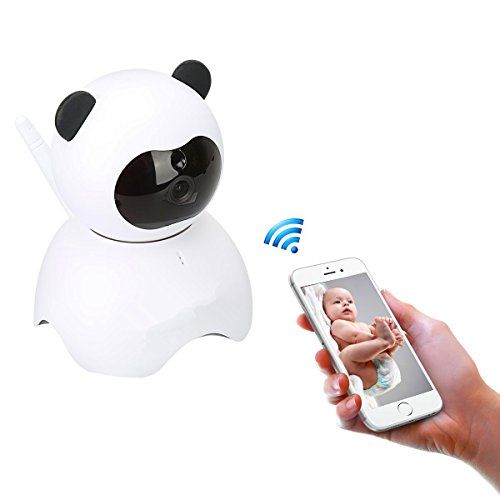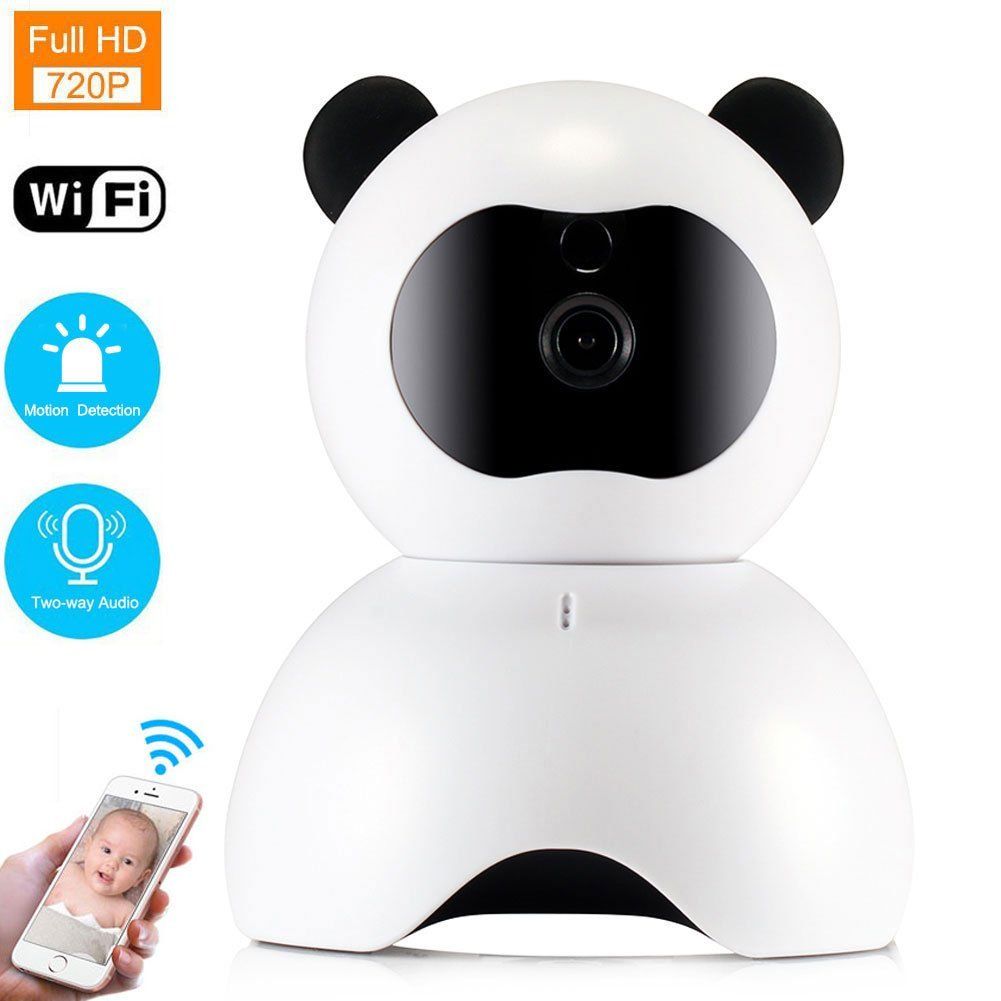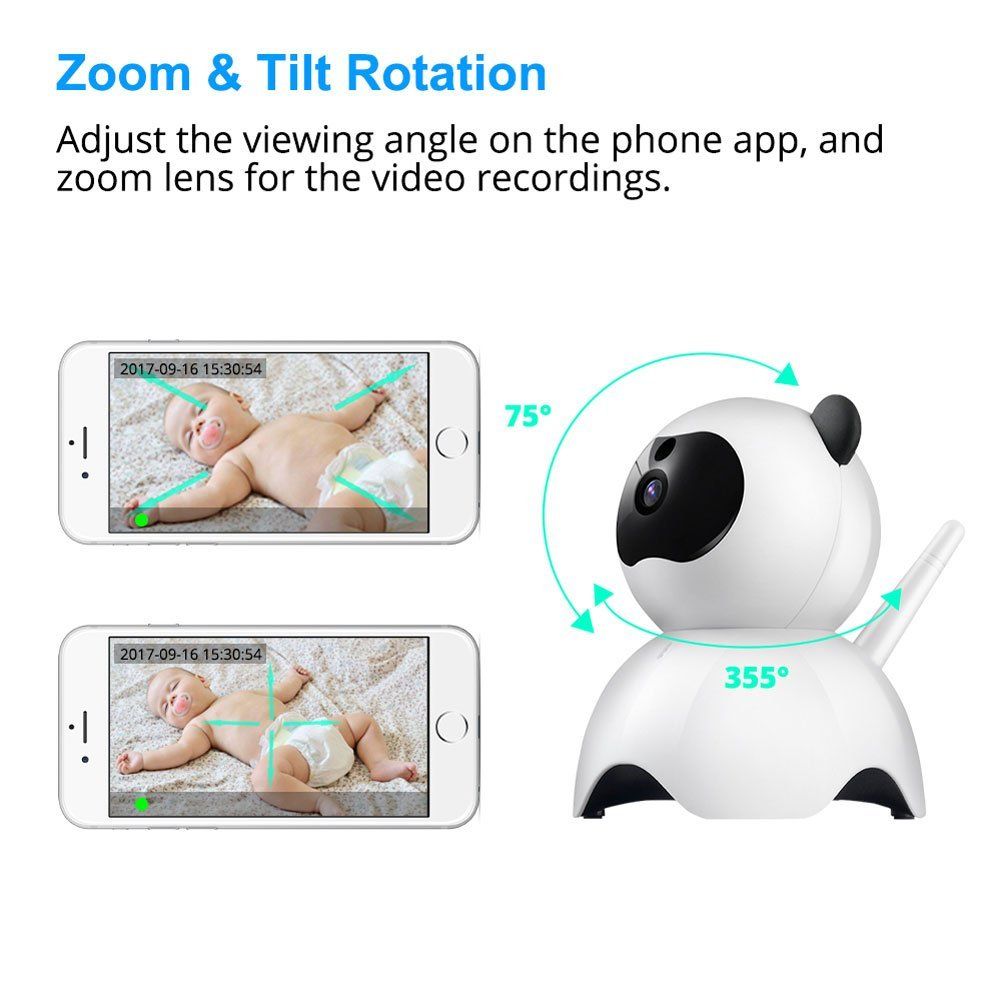
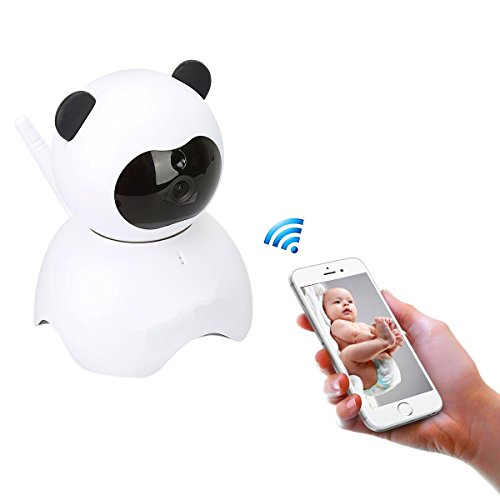
Panda WiFi IP Camera, HD Baby Monitor for Baby, Pet, Old People
Panda WiFi IP Camera,HD Baby Monitor for Baby,Pet,Old PeopleHow To Use: 1.Scan the QR code in the manual to download the APP LiveYes.2.When hear "thumb" with a piece of music, it means that camera starts to create hotpot signal, and you can connect to IP camera on app.3.Click "+"......
Send Inquiry
Product Description
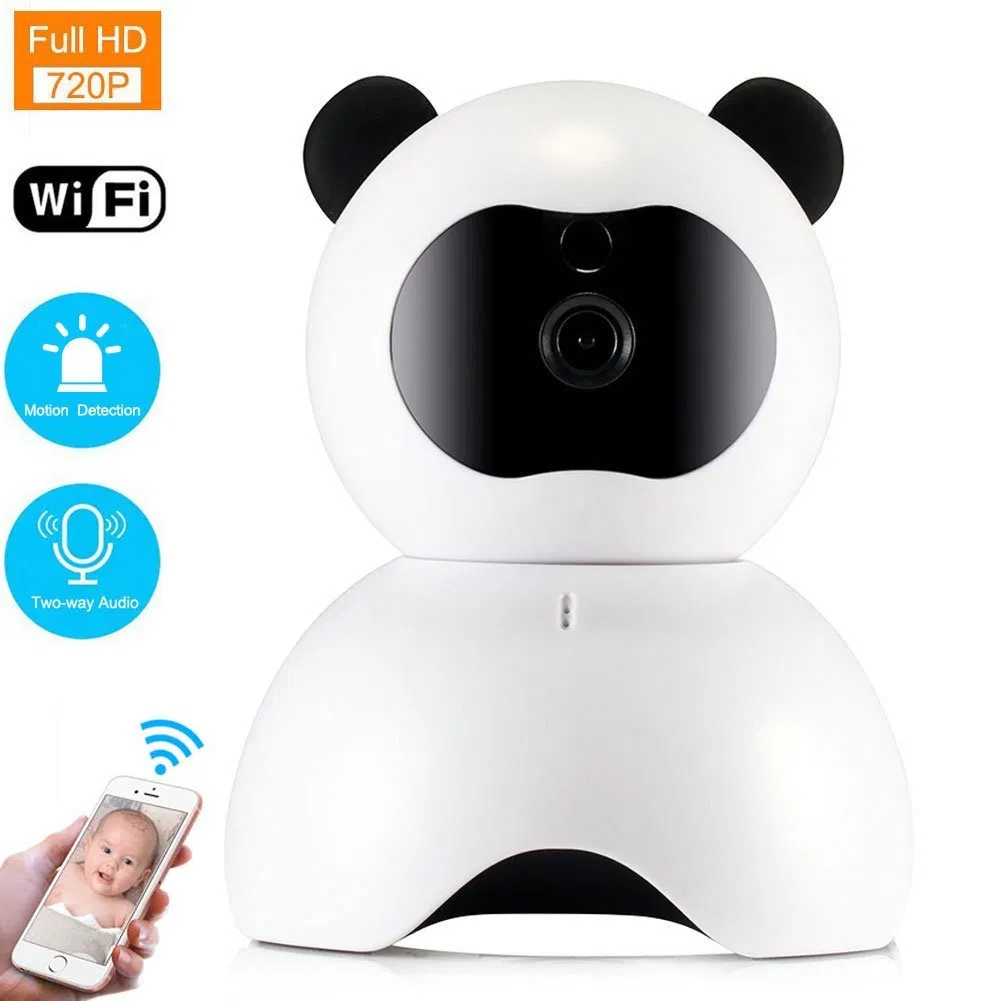
Panda WiFi IP Camera,HD Baby Monitor for Baby,Pet,Old People
How To Use:
1.Scan the QR code in the manual to download the APP LiveYes.
2.When hear "thumb" with a piece of music, it means that camera starts to create hotpot signal, and you can connect to IP camera on app.
3.Click "+" on the page of "AP Camera", find the WLAN hotpot "AJAP***", input password "Aa12345678", then you will add the camera successfully.
4.Click "WIFI setting", connect to available WLAN hotpot, and the camera gives out "Beep"at intervals until it comes "Thumb", meaning the camera connect to WIFI.
5.Click "VIEW DEVICE", see the IP camera at the page of "WIFI Camera", then the IP camera will connect perfectly with the app.
6.The appointed Camera will appear in the list and show "Online", click the interface to watch video.
Specs & Parameter:
Monitoring Image Quality: 1280*720/640*480
Wireless Network: 802.11b/g/n 2.4 GHz (Not Fit for 5.0 GHz)
Video mode: Manual Recording, Motion detection recording, Timer recording, Alarm recording
Support device: Android / IOS cellphone and Windows computer
Recordings storage: TF card \ Network Cloud \ Phone memory
Extend SD card: Maximum support 64GB TF card Class 10 speed
Reliable & Flexible:
Support extended SD card and Cloud storage, recording the monitoring videos at any time.
Intelligent motion detection, timely records alarming video that captures the abnormal condition at home like baby crying, thief stealing or pet hungry.
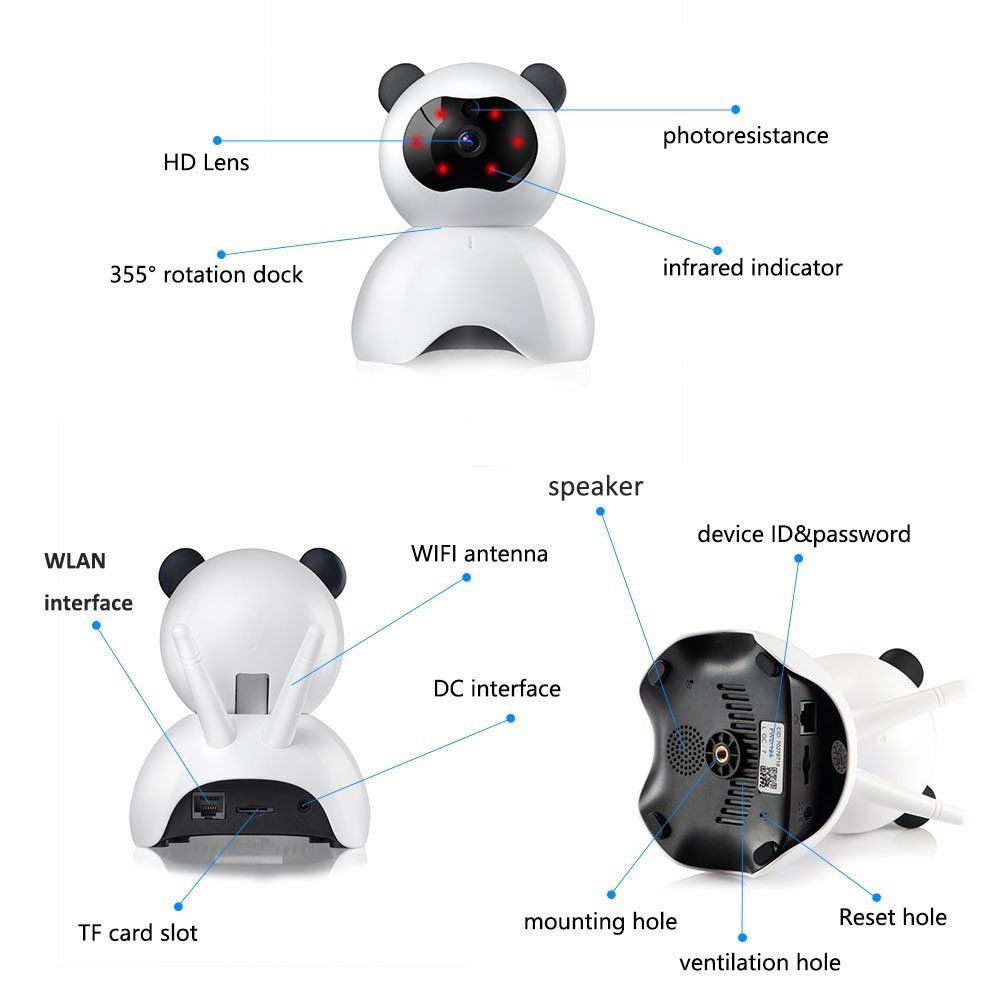
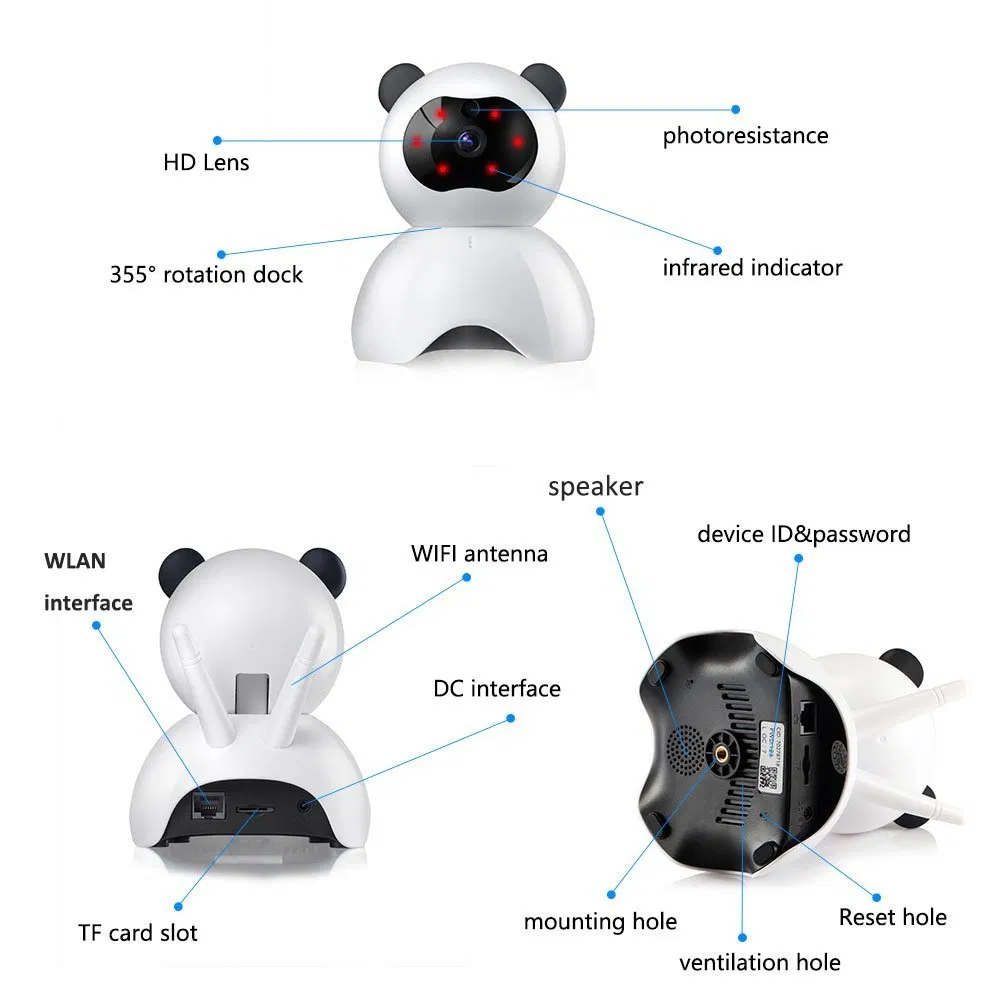
Many people watch online monitoring video via the app. Just input the device ID and password (device password can be changed later).
Excellent night vision, it records what happens at home at night, making your house keep security surveillance from day to night.
Two-way audio, you can talk to camera and other people can hear your speaking on app, and vice verse.
Package Included:
1 x IP Camera
1 x Installation bag
1 x Bracket set
1 x USB cable
1 x Power Adapter
1 x User manual